How to Install Adult Games on Windows
Most adult games for Windows are not installers at all: they are zip archives you extract to a folder and run from there. So how to install adult games on Windows comes down to three things: extract the whole archive first, start the game's .exe, and if SmartScreen stops it, choose "More info" and then "Run anyway" for files from the official developer page. The rest of this guide covers where to put the folder, where saves live and how to update without losing progress.
How to install adult games on Windows: quick steps
- Download from the official source. That means the developer's own site, their itch.io page, a Patreon or SubscribeStar post you have access to, or a store like Steam. Steam games install through the Steam client, so most of this guide applies to direct downloads.
- Make a folder for games. Something short and in your own space works best, for example a "Games" folder on a drive with plenty of free space.
- Extract the archive. Right-click the zip file and choose "Extract All...", then follow the prompts and point it at your games folder. For archives Windows can't open, use 7-Zip (details below).
- Open the extracted folder and run the game. Double-click the game's .exe file inside the extracted folder, not inside the zip.
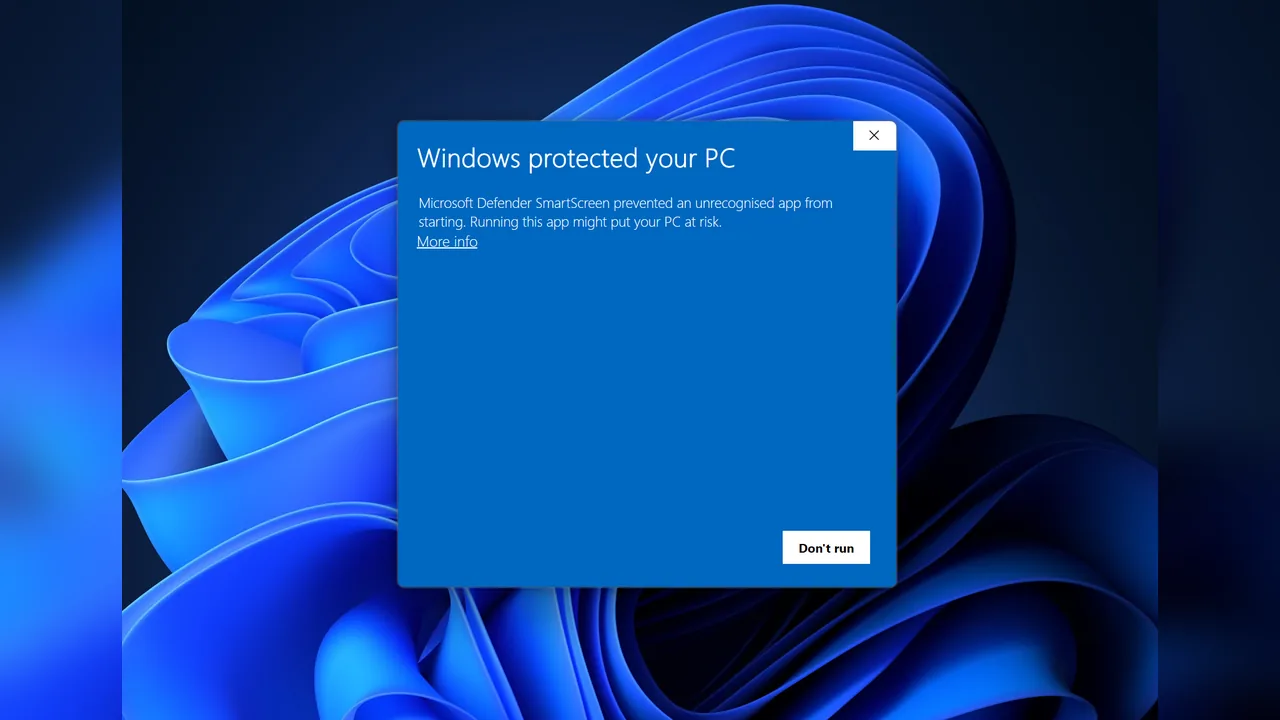
- Handle SmartScreen if it appears. On the "Windows protected your PC" screen, click "More info", check the file is the one you downloaded, then click "Run anyway".
- Find your save folder once. Look it up now (see the table below) so you know what to back up before the next update.
Not sure a download page is legitimate? Check it before you extract anything. Our guide to judging itch.io downloads lists the warning signs, and they apply to most direct downloads.
Extracting: "Extract All" vs 7-Zip
Windows has an extractor built in, so an adult game zip file on Windows needs no extra software. Right-click a zipped folder, choose "Extract All...", and follow the prompts, or open the zip and drag the files out. Microsoft says Windows 11 version 24H2 handles ZIP, RAR, 7z and TAR archives, which covers most game downloads.
The built-in tool can't open encrypted (password-protected) archives. For those, Microsoft points to a third-party tool such as 7-Zip. Some developers also split very large games into several parts; keep all parts in the same folder and open the first one.
Do not run the game from inside the zip. Windows lets you open an archive like a folder and double-click the .exe, but the game then can't see the rest of its files. Many "the game won't start" reports come down to this.
Where to put the game folder
Keep it simple. A folder such as D:\Games\ or a "Games" folder inside your user folder is easy to find, easy to back up and short enough to avoid path-length problems.
- Avoid protected system folders such as Program Files. Games that write saves or settings into their own folder can run into permission problems there.
- Avoid sync folders (cloud-synced Documents or Desktop) for large games. Syncing tens of gigabytes is slow, and a half-synced folder can look like a broken install.
- Keep one folder per version if you like to test a new release before deleting the old one, for example
GameName-0.9andGameName-0.10.
Ren'Py vs RPG Maker: what's different
Most adult games you will download fall into two families. Knowing which one you have tells you where saves go and how updates behave.
| Ren'Py games | RPG Maker MV games | |
|---|---|---|
| Typical look | Visual novels and sandbox games | Top-down RPGs |
| How to spot it | A folder named game next to the .exe; developers often mention Ren'Py on the store page | A www folder inside the game folder |
| Default save location | %APPDATA%\RenPy\<save_directory> (the name is set by each game) | <game folder>\www\save\ |
| Save files | Stored outside the game folder by default | file1.rpgsave, global.rpgsave, config.rpgsave |
| Deleting the game folder | Usually leaves saves in place | Deletes your saves too |
Two details from the official documentation matter here. Ren'Py lets a developer turn off the AppData location, in which case saves go in a saves folder inside the game directory. And RPG Maker MV's core script falls back to a save folder one level up if it can't create www\save\.
To open the Ren'Py folder, paste %APPDATA%\RenPy into the File Explorer address bar; each game has its own subfolder there. The RPG Maker MV save folder is simpler to find: it is www\save inside the game folder. For RPG Maker MZ we could not find an official statement of the save location. Look for a save folder inside the game folder, and if you can't find one, back up the whole game folder before updating.
Examples: Summertime Saga and Harem Hotel are Ren'Py games, while Karryn's Prison is built on RPG Maker MV.
Updating without losing saves
New versions of episodic games usually arrive as a fresh full download, sometimes with a smaller patch for the previous version. You have two options.
Clean install (recommended)
- Back up your saves (for RPG Maker, copy the
www\savefolder; for Ren'Py, copy the game's folder under%APPDATA%\RenPy). - Extract the new version into a new, empty folder.
- For RPG Maker games, copy your save files into the new version's save folder. Ren'Py games normally find their AppData saves on their own.
- Start the new version and load a save. Once it works, delete the old folder.
Extracting over the old version
Some developers ship patches that are meant to be extracted on top of the existing folder, and their instructions come first. For full releases, extracting over an old version can leave outdated files behind that clash with the new ones. If a game acts strangely after an update, a clean install is the first thing to try.
If a developer warns that saves from an older version are not compatible, believe them. Keep the old folder until you have finished what you were doing in it.
Games bought or downloaded on itch.io can also be installed with the official itch app, which keeps downloads in one place and updates installed games automatically. When a developer uploads builds with itch.io's tools, the app only downloads what changed. Our guide to updating itch.io games covers patches and version mix-ups in more detail.
Antivirus flags an adult game: false positive or not?
Small indie games, especially new builds, sometimes trigger antivirus warnings. That can be a false positive: unsigned executables from small developers are exactly what heuristics are cautious about. It can also be real, especially for files from re-upload sites. Treat it as a question, not an answer.
- Check where the file came from. Only files from the developer's official page are worth a second look; delete anything else.
- Check it on VirusTotal, which runs a file or URL past many security engines. Results are shared with VirusTotal's security partners, so don't upload anything private.
- Look for a statement from the developer. Many post a note when a specific build is being flagged.
- If you are confident it is a false positive, Microsoft's "Submit a file for malware analysis" page accepts files you believe were incorrectly detected.
Don't switch off your antivirus to get a game running. If a file only works with protection disabled, you have no way to tell a false positive from real malware. For Steam downloads, our note on how safe Steam's adult games are explains what the store does and does not check.
Troubleshooting
Adult game not launching on Windows?
- Not fully extracted: make sure you ran the .exe from the extracted folder, and that the extraction finished without errors.
- Blocked by antivirus: check your antivirus quarantine; the .exe or a data file may have been removed during extraction.
- Wrong build: some downloads bundle Windows and Linux files together; on Windows, run the .exe, not the .sh file.
- Hardware: check the minimum requirements on the store page. Karryn's Prison, for example, warns on Steam that RPG Maker MV runs poorly on older PCs.
"Path too long" error extracting a game, or missing files
Classic Windows paths are limited to 260 characters (MAX_PATH). A game with deep folders, extracted into a folder that already has a long name, can go over that limit, and files silently fail to extract. The fix is a shorter destination such as D:\Games\GameName.
Windows 10 version 1607 and later can lift the limit through the LongPathsEnabled registry value or the "Enable Win32 long paths" group policy, but Microsoft notes that each app must also opt in. A shorter path is the more reliable fix.
"Windows protected your PC" on an adult game
This is SmartScreen, and it appears for many small indie builds that aren't signed. It isn't a malware verdict. Click "More info", check that the file name matches what you downloaded from the official page, then click "Run anyway". If the file came from anywhere else, delete it instead.
An error about a missing DLL
Write down the exact file name and check the developer's page, FAQ or support channel for requirements. Do not download single DLL files from "DLL download" sites; that is a common way to pick up malware and rarely fixes the real problem.
FAQ
Do adult games on Windows need to be installed?
Usually not. Most direct downloads are archives you extract and run. Games from Steam, and some commercial releases, use a normal installer or the Steam client instead.
Is it safe to click "Run anyway" on SmartScreen?
SmartScreen warns about apps it doesn't recognize, which includes many small indie games. Click "Run anyway" only for files you downloaded from the developer's official page, and scan anything you are unsure about first.
What is the Ren'Py save location on Windows?
By default in %APPDATA%\RenPy\, in a subfolder named by the game. A developer can change this so saves live in a saves folder inside the game directory.
How do I run a Ren'Py game on Windows?
Extract the whole archive, open the extracted folder and double-click the .exe that sits next to the game folder. There is nothing to install.
How do I update a Ren'Py game without losing saves?
Extract the new version into a new folder and start it. With the default settings, Ren'Py saves live in %APPDATA%\RenPy\, so the new version finds them on its own. Back up that folder first anyway, and keep the old version until a save loads.
Will deleting the old version delete my saves?
For RPG Maker MV games, yes: saves live inside the game folder, so copy them first. For Ren'Py games using the default location, saves stay in AppData.
Should I use 7-Zip or the built-in extractor?
The built-in "Extract All..." option handles ordinary archives. Use 7-Zip for password-protected archives and for formats your version of Windows can't open.
Related guides
 How-toAre itch.io adult games safe?Are itch.io adult games safe? What itch.io scans for, how to check a page and its developer before you download,…
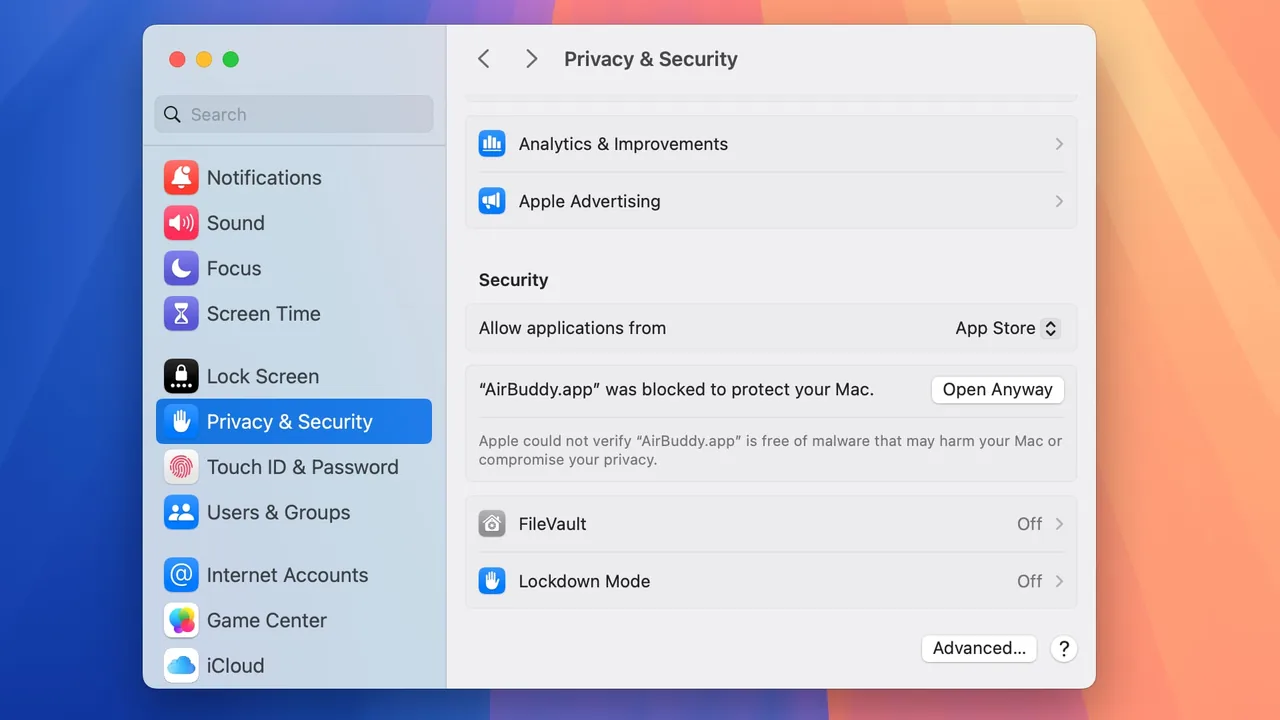 How-toPlay on MacHow to play adult games on Mac: which games have Mac builds, opening them past Gatekeeper, what Apple silicon and…
 How-toPatreon releasesHow adult game Patreon releases work: early-access vs public builds, tiers, how patrons get download links,…
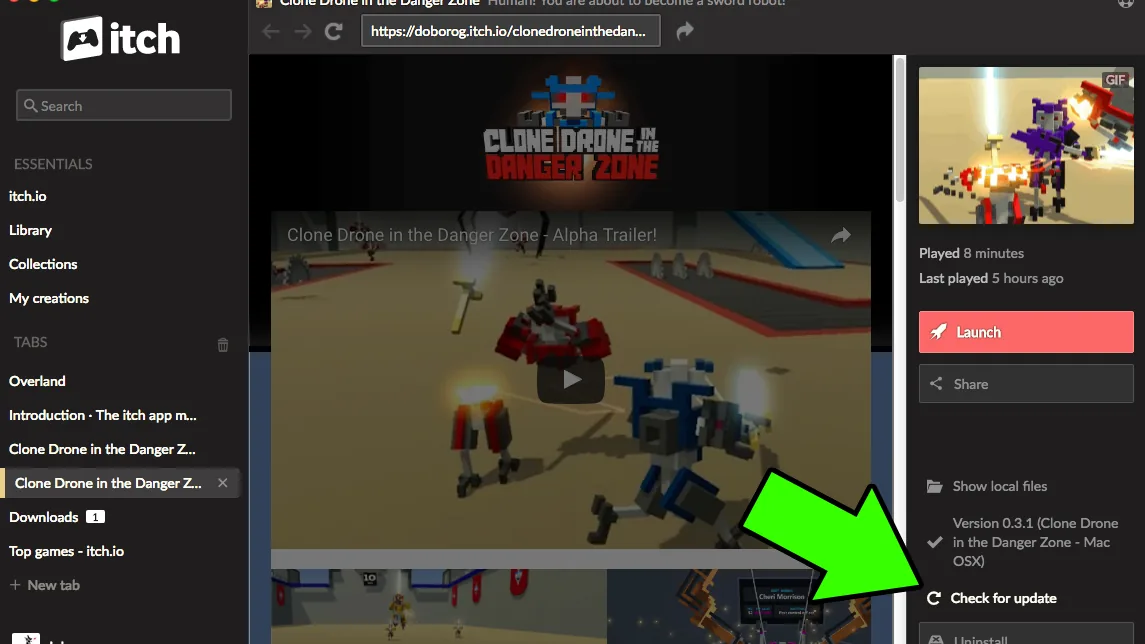 How-toUpdate itch.io gamesHow to update itch.io adult games: auto-updates in the itch app, manual downloads into a new folder, patches vs…