 In DevelopmentReview
Eternum
Windows, Mac, Linux, AndroidFree
How to play adult games on Mac depends on one thing: whether the developer ships a Mac build, and many Ren'Py visual novels and Steam releases do. Download the Mac version, open it once, and if macOS blocks it, go to System Settings, then Privacy & Security, and click "Open Anyway". Windows-only games are a separate problem, covered at the end.
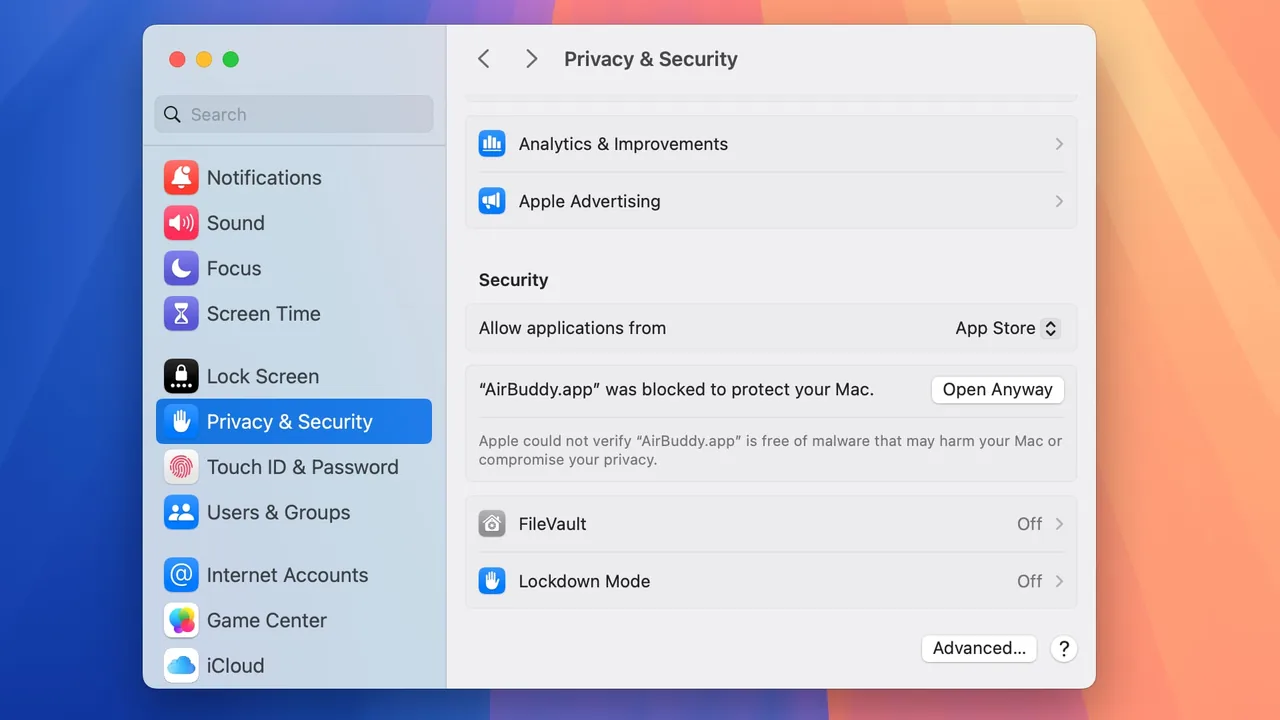
"Open Anyway" turns off Gatekeeper's check for that one app. Only do it for files from the developer's official page or a store you trust. If you downloaded it from a re-upload site, delete it instead.
There is no single answer for NSFW games on macOS as a whole. Each developer decides which platforms to build for, and the same game can differ between stores.
These games list a Mac version in our data as of September 30, 2026. Each card links to the official store or our review.
In DevelopmentReviewWindows, Mac, Linux, AndroidFree
 In DevelopmentReview
Windows, Mac, Linux, AndroidFree
 CompletedReview
Windows, Mac, Linux, Android$14.99
 In DevelopmentReview
Windows, Mac, Linux, AndroidFree
 CompletedReview
Windows, Mac, Linux$17.99
 ReleasedReview
Windows, Mac$19.99
 CompletedReview
Windows, Mac$19.99
 CompletedReview
Windows, Mac, Linux$9.99
A few notes from our research. Eternum offers free Mac builds on itch.io, Harem Hotel has a separate Mac download on itch.io, and Summertime Saga offers a macOS download on its official site. HuniePop 2 and Milfy City list Windows and Mac on Steam, without Linux.
Many indie games are not notarized by Apple, so the first launch triggers a warning. Apple's own example of that warning says Apple cannot check the app for malicious software. Apple's documented way around it is the one in the quick steps above: try to open the app, then use "Open Anyway" in System Settings under Privacy & Security.
The "Allow apps downloaded from" setting on the same page has two options: "App Store" and "App Store and identified developers". Neither covers an unsigned game, which is why the one-time "Open Anyway" exception is the normal route. You don't need to change your general security settings.
If a Ren'Py game on Mac refuses to start even after "Open Anyway", the archive may have been unzipped and re-zipped on Windows at some point. Ren'Py warns that this can strip the permissions a Mac app needs. Download the original Mac zip again and unzip it on the Mac.
Macs with Apple silicon (M-series chips) run apps built for Apple silicon natively. Apps built only for Intel Macs run through Rosetta, Apple's layer that translates Intel-based apps for Apple silicon.
That arrangement has an end date, and it matters for older games. Apple says Rosetta is available on any Apple silicon Mac running macOS 27 or earlier. Starting with macOS 28, Rosetta will only work for certain older, unmaintained games that rely on Intel-based frameworks. Intel-only apps may already show a notice that support is ending.
| Build type | On Apple silicon today (macOS 27 or earlier) | From macOS 28 (per Apple) |
|---|---|---|
| Apple silicon or Universal | Runs natively | Runs natively |
| Intel-only | Runs through Rosetta | Only certain older, unmaintained games that rely on Intel-based frameworks |
| Windows-only | No Mac build to run | No Mac build to run |
Store pages rarely say which architecture a Mac build targets, and we could not confirm it for most games in our catalog. If a game you care about is Intel-only, watch the developer's update notes before upgrading to macOS 28.
Steam has a macOS client, and Mac-compatible games install through it just as on Windows. Which adult titles you can see depends on the mature content preferences on your Steam account, not on your computer; our guide to finding adult games on Steam covers them.
For direct downloads from itch.io, the official itch app also runs on macOS and keeps installed games updated.
For Ren'Py games, the default save folder on macOS is ~/Library/RenPy/<save_directory>, where each game sets its own folder name. Ren'Py keeps game data inside the app itself and notes that its built-in updater doesn't work with the Mac package, so updating means downloading the new Mac zip and replacing the old app.
Your Library folder is hidden by default. In Finder, hold the Option key and open the Go menu, then choose Library, or use Go, then Go to Folder, and type ~/Library/RenPy/. Back up that game's folder before replacing an app with a new version.
If a game has no Mac build, there is no setting that makes the Windows version run natively. The general options are:
Avoid "Mac ports" from sites other than the developer's. Unofficial repacks are one of the easiest ways to end up with a modified or malicious app.
Yes, when the developer offers a Mac build. Many Ren'Py visual novels and a good number of Steam releases do; many RPG Maker games and large 3D titles are Windows only.
Gatekeeper blocks apps that aren't from the App Store or an identified developer. Try to open the app, then click "Open Anyway" under Privacy & Security in System Settings, and confirm with "Open".
Apple silicon and Universal builds run natively. Intel-only builds run through Rosetta on macOS 27 or earlier. From macOS 28, Apple says Rosetta will only work for certain older, unmaintained games that rely on Intel-based frameworks.
Try to open the game first. Then open System Settings, choose Privacy & Security and scroll down. Apple's steps put the "Open Anyway" button there, after you have tried to open the app once. Confirm with "Open" when the warning comes back.
In ~/Library/RenPy/, in a subfolder named by each game. The Library folder is hidden; hold Option in Finder's Go menu to open it.
Not on Steam: its Steam seasons list Windows and Linux only. We could not verify a Mac build elsewhere.
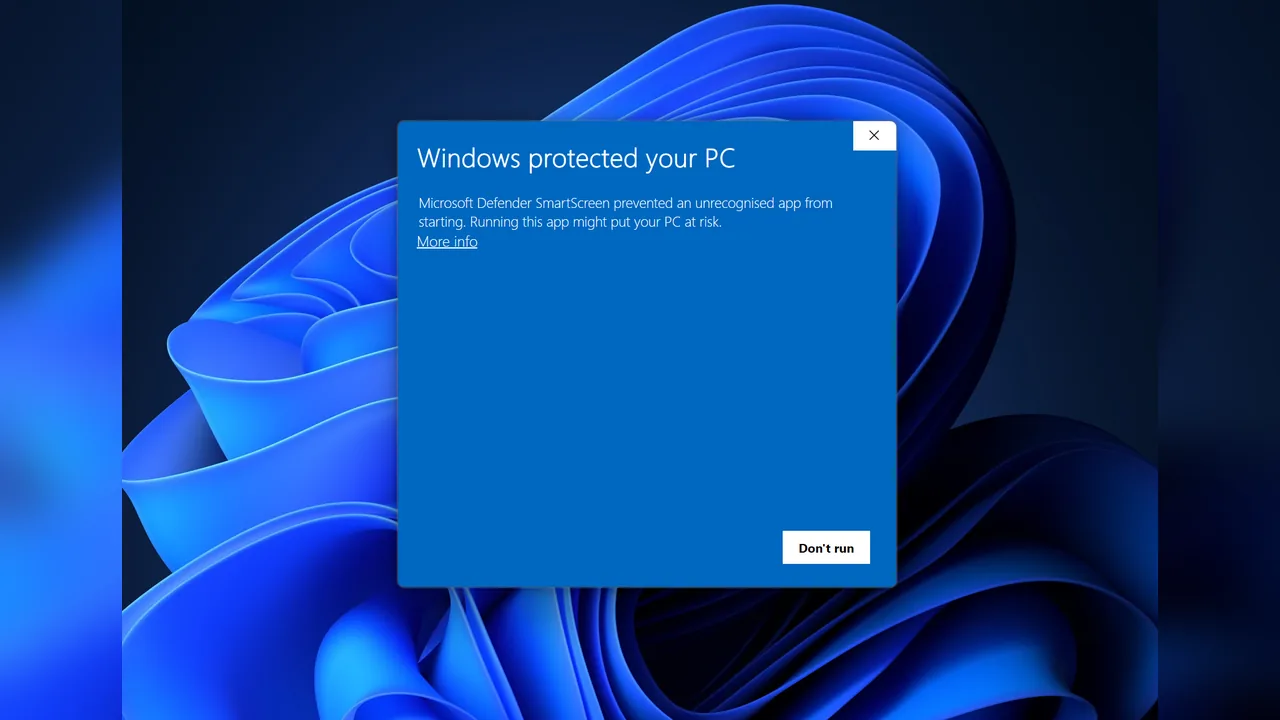 How-toInstall on WindowsHow to install adult games on Windows: extract the zip, get past SmartScreen, pick a folder, find Ren'Py and RPG…
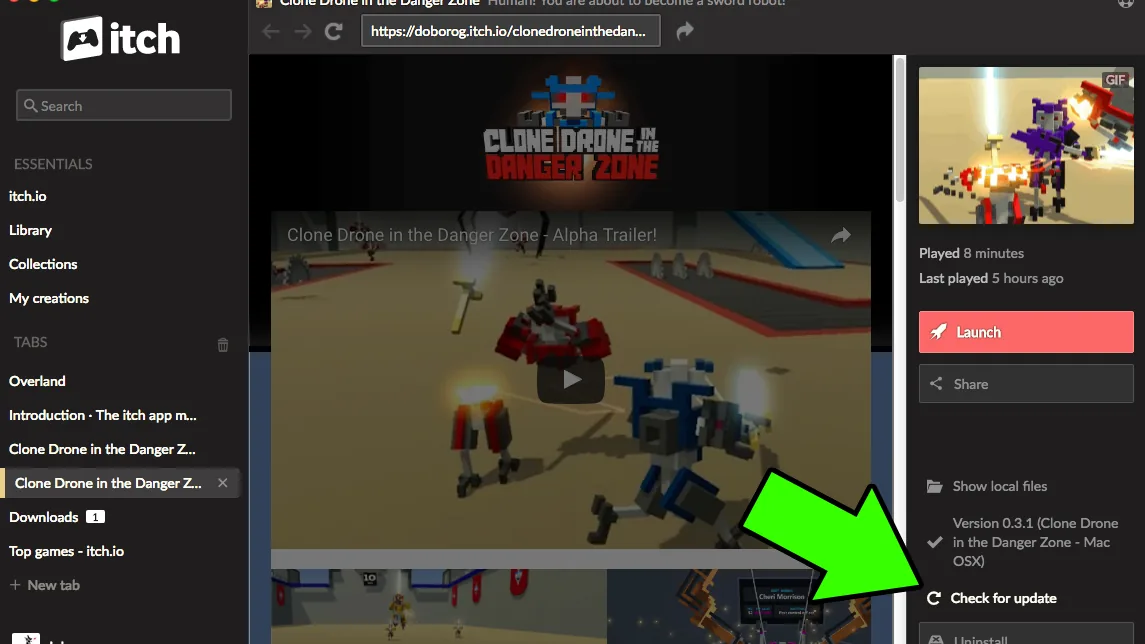 How-toUpdate itch.io gamesHow to update itch.io adult games: auto-updates in the itch app, manual downloads into a new folder, patches vs…
 How-toAre itch.io adult games safe?Are itch.io adult games safe? What itch.io scans for, how to check a page and its developer before you download,…

 Best listAdult games on itch.ioThe best adult games on itch.io with official pages: which are free, pay-what-you-want or paid, how itch builds…